DigiTemp 3.7.2 (binary only)⚓︎
- Homepage: https://github.com/bcl/digitemp
- Manpage: https://github.com/bcl/digitemp#readme
- Changelog: https://github.com/bcl/digitemp/releases
- Repository: https://github.com/bcl/digitemp/commits/master
- Package: master/make/pkgs/digitemp/
- Steward: @fda77
What is digitemp?⚓︎
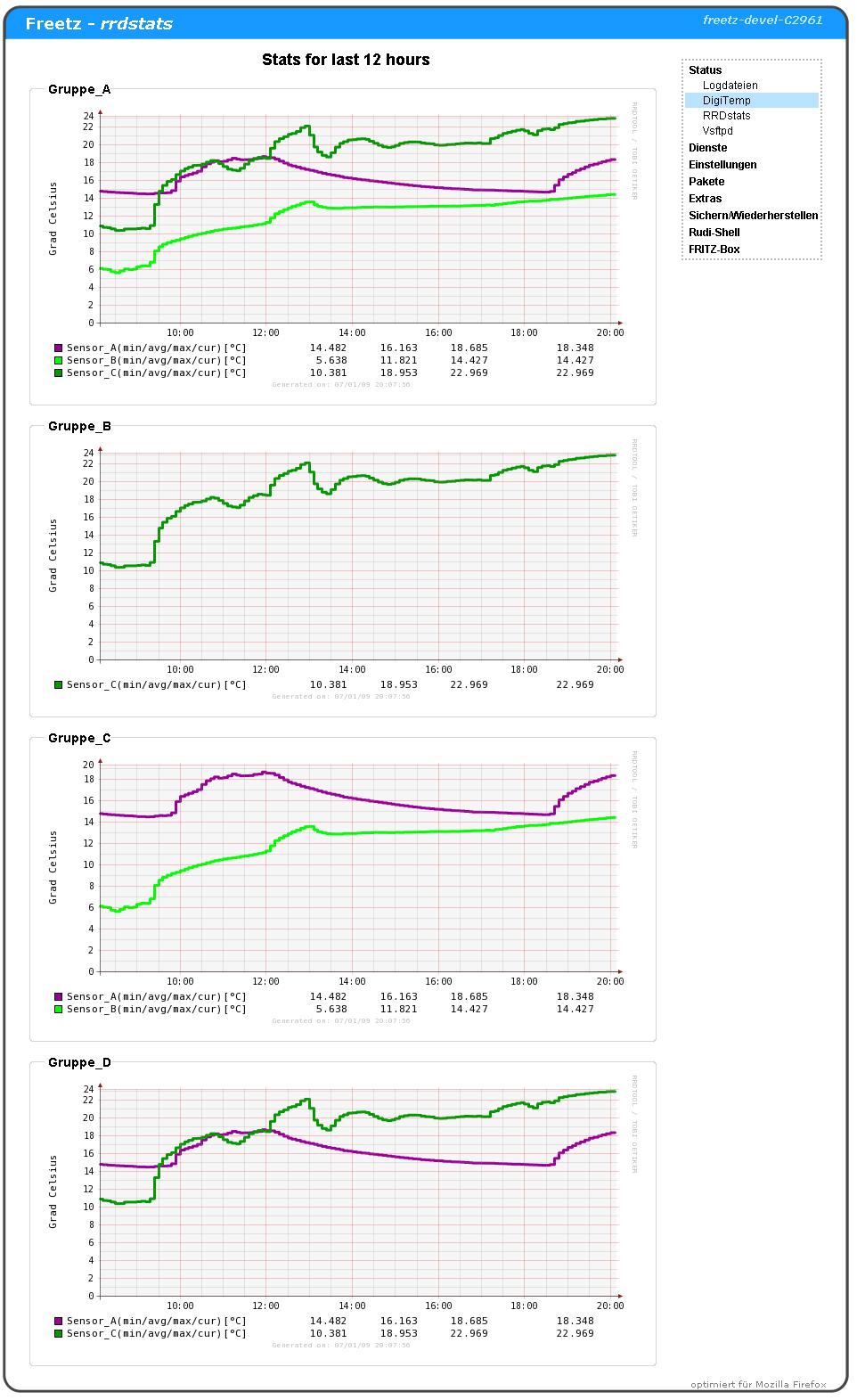
Digitemp is software for reading 1-Wire temperature sensors as well as
other 1-Wire components provided by Dallas, for example DS1820.
Important Note⚓︎
- No matter what any guide on the internet says, all three legs of the
sensors MUST be connected.
Whether this is a separate power supply or ground is up to you.
Otherwise the sensors are in an undefined state and report fantasy values
depending on the weather.
Tip When Using Several USB-RS232 Adapters on a Fritzbox⚓︎
Anyone using several USB-RS232 adapters on a Fritzbox and facing the
problem that they are sometimes named /dev/ttyUSB0, sometimes
/dev/ttyUSB1, and so on, can pin an adapter with a pl2303 chip to a
fixed device with the following entry in rc.custom (using a symlink;
thanks to kuppe for this tip in
this
and
this
threads):
    # create digitemp link (pl2303)
    USBNR=$(grep 2303 /proc/tty/driver/usbserial | cut -d ":" -f1)
    ln -s /dev/ttyUSB$USBNR /dev/digitemp
The device ID can be found with lsusb-freetz (Package selection ->
Debug helpers -> usbutils). Looking at /proc/tty/driver/usbserial also
helps; for example, with two adapters, one with a pl2303 chipset and one
with an ftdi chipset, the result could look like this:
    root@fb1 /var/mod/root $ cat /proc/tty/driver/usbserial
    usbserinfo:1.0 driver:v2.0
    0: module:ftdi_sio name:"FTDI USB Serial Device" vendor:0403 product:6001 num_ports:1 port:1 path:usb-ahci_hcd-1.1
    1: module:pl2303 name:"PL-2303" vendor:067b product:2303 num_ports:1 port:1 path:usb-ahci_hcd-1.2
If, instead of an adapter with a pl2303 chip, you want to pin one with an
FTDI chip, the code above would look like this:
    # create digitemp link (ftdi)
    USBNR=$(grep ftdi /proc/tty/driver/usbserial | cut -d ":" -f1)
    ln -s /dev/ttyUSB$USBNR /dev/digitemp
In RRDstats -> Settings, select /dev/digitemp accordingly under
"Serial port:" instead of /dev/ttyUSB0 or similar.
Database⚓︎
Up to Changeset r11010, an interval of 60 seconds could record 146 days;
with 150 seconds, 1 year. Starting with this revision, the databases of
DigiTemp and the RRDstats cable segment are created for 2 years at 60
seconds. This increases the individual files from about 85 kB to about
150 kB.
New RRAs can be added to existing rrd databases like this, for the
experimentally inclined:
    ## box
    rc.rrdstats stop
    rc.rrdstats backup
    for x in *.rrd; do rrdtool dump $x > ${x%rrd}xml; done
    #rm -rf *.rrd

    ## pc
    rm -rf rrdtoolx.py 2>/dev/null
    wget 'http://minkirri.apana.org.au/~abo/projects/rrdcollect/rrdtoolx.py'
    chmod +x rrdtoolx.py
    # fix for parsing '<min> 0.0000000000e+00 </min>' => '(0, 0.0)' -> 0
    sed "s/+ cmd/&.replace('(0, 0.0)','0')/g" -i rrdtoolx.py
    # fix for parsing '<min> -6.7000000000e+01 </min>' => '(-6, 70000000000.0)' -> -67
    sed "s/+ cmd/&.replace('(-6, 70000000000.0)','-67')/g" -i rrdtoolx.py
    # fix for parsing '<min> 2.5700000000e+02 </min>' => '(2, 570000000000.0)' -> 257
    sed "s/+ cmd/&.replace('(2, 570000000000.0)','257')/g" -i rrdtoolx.py

    # xml > rrd
    for x in *.xml; do rrdtool restore $x ${x%xml}rrd; done
    rm -rf *.xml
    # rrd > out
    for x in *.rrd; do ./rrdtoolx.py addrra $x ${x%rrd}out RRA:MIN:0.5:360:2920 RRA:AVERAGE:0.5:360:2920 RRA:MAX:0.5:360:2920; done
    rm -rf *.rrd
    # out > xml
    for x in *.out; do rrdtool dump $x > ${x%out}xml; done
    rm -rf *.out
    # fix newer dump format
    sed '1,2d' -i *.xml

    ## box
    for x in *.xml; do rrdtool restore $x ${x%xml}rrd; done
    rm -rf *.xml
    rc.rrdstats restore
    rc.rrdstats start
Further Links⚓︎
- Hardware guide:
http://lena.franken.de/hardware/temperaturmessung.html - Installing an additional power supply:
http://public.rz.fh-wolfenbuettel.de/~hamannm/general/digitempd.html - Guide for digitemp and rrdtool:
http://www.arbeitsplatzvernichtung-durch-outsourcing.de/marty44/rrdtool.html - Thread "[Trunk #3003] visualization of
DigiTemp"
in IP-Phone-Forum (not limited to Trunk Changeset r3003, but
continuously updated)