Configuration⚓︎
Freetz is configured with conf/mconf, which some users may already know
from Linux kernel configuration. The
ncurses
variant mconf can be started with make menuconfig.
Help for individual menu items can be opened directly in menuconfig by
pressing ?.
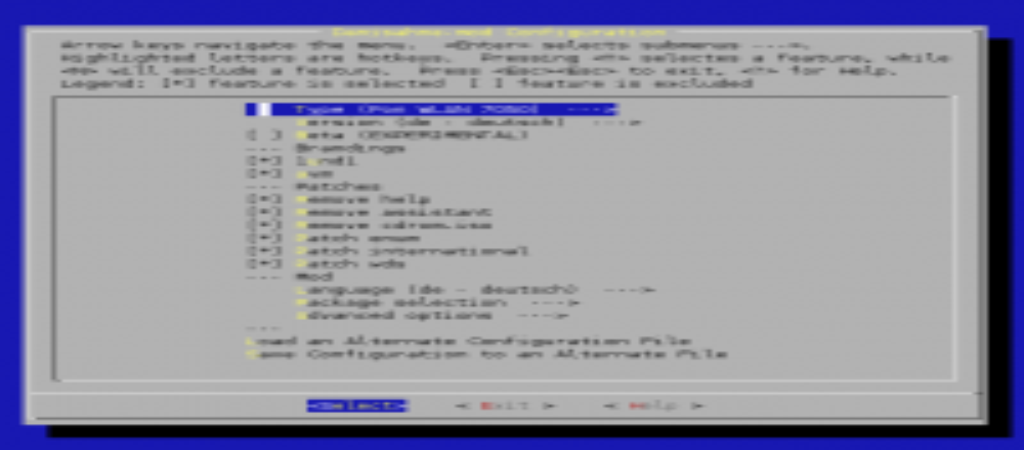
General⚓︎
- Hardware Type: Select the type of your box here. The default is "Fon WLAN 7170".
Images created for this type can only be uploaded to the matching
FRITZ!Box. Depending on the type, the download URL of the original
firmware on the AVM FTP server and parameters
for creating the modified image, such as flash size, are set
automatically. The type "Custom" makes the custom options visible;
use it only if you know your box well. - Version: For some FRITZ!Box models, AVM also provides international
firmware versions, but these run only on international FRITZ!Boxes.
International boxes exist for the Austrian/Swiss market (a-ch) and
for English-speaking markets (en). The default is the German-market
version (de). - Beta/Labor/VPN: If a beta version is available for the selected
FRITZ!Box type, it can be selected here for testing. Betas should be
used only by experienced users, because Freetz may not work smoothly,
or at all, with them. - Compile image for "alien" hardware: Creates an image for hardware
other than the hardware selected above. If you do not know what this
means, leave it disabled. - Firmware language: AVM usually provides the original firmware in
several languages. Select the desired one. This affects only the
original firmware, not the parts modified by Freetz; see below. - Replace kernel: Replace the AVM kernel with a self-built one. This
is also for experienced users. - Show advanced options: Controls whether advanced options, described
under Mod, are shown. - Branding: See below.
- Annex: Some international AVM firmware versions have different
firmware builds for Annex A and Annex B.
Brandings⚓︎
Brandings are firmware changes made by specific providers. The current
branding of the box is independent of the firmware. The modified firmware
must contain at least the box's current branding. Beginner tip: do not
remove any branding at first. It saves only a small amount of space, but
images without the current branding are not accepted by the box.
- 1und1: Indicates whether the
1und1branding should remain in the
modified firmware. - avm: Indicates whether the
avmbranding should remain. - avme: Indicates whether the
avmebranding should remain. This
branding exists only for international non-German firmware versions. - aol: Indicates whether the
aolbranding should remain. - arcor: Indicates whether the
arcorbranding should remain. - freenet: Indicates whether the
freenetbranding should remain.
With changeset r2700, the branding selection logic was reversed. Selected
brandings are now removed.
Mod⚓︎
- Language: This language selection applies only to the Freetz
configuration web pages, not to the original firmware web pages. Not
all packages are available in English yet. The default is German. - Patches: See patches for a current overview.
- Package selection: Selection of packages and CGI extensions
available for Freetz. See packages for details. - Advanced options
- Override firmware source: If the firmware version stored in
the Freetz configuration for the selected type no longer exists on
the FTP server, adjust the download URL with this option:- Firmware site, for example:
ftp://ftp.avm.de/fritz.box/fritzbox.fon_wlan_7050/firmware - Firmware source, for example:
fritz.box_fon_wlan_7050.14.04.01.image
- Firmware site, for example:
- Default Security level: Value range from 0 to 2. Defines the
default security level used when no other value is stored on the
box. The default is 2, with all restrictions enabled. - Verbosity level: Value range from 0 to 2. The higher the
number, the more messages are printed while creating the firmware.
The default is 0. - Favicon: Selection of small icons shown next to the FRITZ!Box
URL in the browser.noneinstalls no favicons. - Add Freetz version to subversion string: Adds the Freetz
version to the AVM firmware version shown in the web interface. - Squashfs blocksize: The block size affects image compression
and file access time. A larger block size improves compression,
but can make access to files in the SquashFS image slower. - BusyBox options: List selection of all tools to integrate into
BusyBox. - Kernel modules: Additional kernel modules. Every selection is
optional. - Shared libraries: Additional runtime libraries. Every selection
is optional. - Compiler options: Change these only if you know what you are
doing.
- Override firmware source: If the firmware version stored in